What not to paste into ChatGPT: a privacy guide
Chatbots may store your chats and, depending on settings, learn from them. See what never to paste, how to anonymise prompts and which settings to check.
By Hassan Mamoon · · 5 min read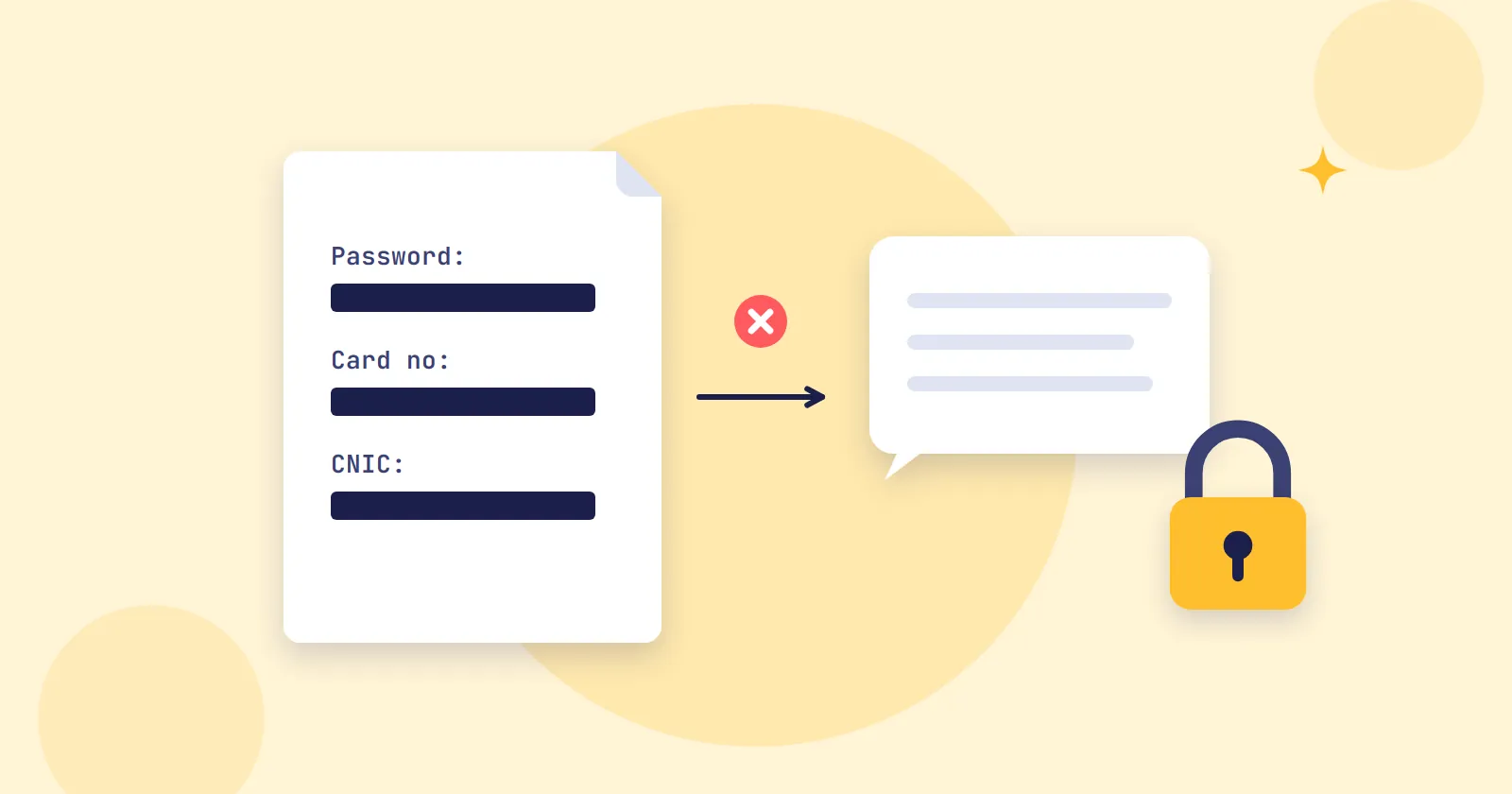
A chat window feels private, like a conversation with one person. It is not. What you type is sent to a company, stored on its systems and, depending on your settings, may be used to improve its products. That does not make chatbots unsafe to use. It means you should decide what goes in before you hit send.
What happens to what you type
When you send a message, the provider receives it, processes it and usually stores the conversation so you can find it again. Whether it is also used to train future models depends on the provider, your plan and your settings.
OpenAI's help pages are a good example of how this works. For personal accounts, the option called "Improve the model for everyone" is on by default, and you can switch it off while keeping your chat history. Its Temporary Chat mode keeps a conversation out of your history, is described as not used for training, and is deleted from OpenAI's systems after 30 days. Other providers have similar controls with different names. These details change, so check the current settings in the tool you use rather than relying on this page.
A real example: Samsung, 2023
In 2023, reports said Samsung engineers had pasted confidential material into ChatGPT, including proprietary source code and the contents of an internal meeting, to get help fixing a problem and writing up minutes. The company reportedly restricted use of the tool afterwards. Other large companies were also reported to have restricted or warned staff about sharing confidential information with chatbots.
You do not have to work at a large company for the lesson to apply. Once something is pasted in, you no longer control where it goes.
What never to paste
| Do not paste | Why | Do this instead |
|---|---|---|
| Passwords, API keys, security codes | Anyone with access to the chat can use them | Keep them out entirely. Describe the problem without the secret |
| ID numbers, bank and card details | Sensitive, and hard to take back | Use fake numbers such as 1234 in examples |
| Health details about you or others | Highly personal | Describe the situation in general terms |
| Client, customer or employee data | You may not be allowed to share it | Replace names and details with placeholders |
| Confidential work documents and unreleased code | Often against company rules | Check your policy, or use an approved tool |
| Other people's private messages or work | It is not yours to share | Summarise the point without names |
| Unpublished research or exam material | Rules and ownership may apply | Ask your supervisor or instructor |
How to ask without sharing
You can often get the same help with the sensitive parts removed.
- Use placeholders. Replace names and figures with [CLIENT], [AMOUNT] and [DATE]. Put the real ones back yourself afterwards.
- Describe, do not paste. Say "a contract with a 60-day notice clause" rather than pasting the contract.
- Generalise numbers. "A budget of about ten thousand" is enough for most advice.
- Cut what is not needed. Remove signatures, addresses and long threads before pasting.
I cannot share the real details. Here is a version with names removed: [CLIENT] has asked for [REQUEST] by [DATE] and I am worried about [CONCERN]. Suggest three ways to reply that keep the relationship good.
A short settings checklist
- Find the data or privacy settings and decide whether you are happy for your chats to be used to improve the model.
- Use a temporary or private chat mode for anything sensitive, if your tool has one.
- Delete old chats you no longer need.
- On a shared or public computer, sign out when you finish.
- At work, use the tool your employer provides if there is one. Business plans often have different data terms from personal ones, so ask your IT team instead of assuming.
At work or school
Follow your organisation's policy, and ask if you cannot find one. If there is no clear rule, a safe default is to treat company, client and school data as something that stays out of public chatbots. For students, the same goes for classmates' work and anything your school treats as confidential. Our guide on how to study with AI covers the school side, and how small businesses can use AI covers the work side.
Privacy is only half of safe use
Keeping your data private is one half. The other is checking what comes back, because chatbots can state wrong things confidently. See AI hallucinations for how to catch mistakes. If you are still choosing a tool, our comparison of ChatGPT, Claude and Gemini lists what to check in each one's data settings.
Questions people ask
Is uploading a file different from pasting text? No. An uploaded document is sent to the provider in the same way, so the same rules apply. If you would not paste it, do not upload it.
Does a temporary or private mode make it safe? It keeps the chat out of your history and, according to OpenAI, out of training, but the text still goes to the provider while you chat. It lowers the risk. It does not remove it.
Are business plans different from personal ones? Often, yes. OpenAI, for example, says it does not use inputs and outputs from its business, enterprise, education and API products to train its models by default, which is different from its personal plans. Other providers have their own terms, so read your company's agreement or ask your IT team, and do not assume the personal settings apply.
What about voice and image inputs? Treat them the same way. A photo of a document or a voice note can contain the same sensitive details as typed text.
This is general guidance, not legal advice. Your employer, school or country may have stricter rules.