Customer service prompts for ChatGPT: refunds and complaints
Copy-ready ChatGPT prompts for polite customer service replies: refund requests, complaints, late deliveries, bad reviews and WhatsApp welcome messages.
By Hassan Mamoon · · 5 min readCustomer messages are where a small business wins or loses trust, and they often arrive when you are busy. An AI chatbot can draft a calm, clear reply in seconds. You stay in charge: you give it the facts and your policy, and you check the reply before you send it.
Each prompt below works in ChatGPT, Claude or Gemini. Replace anything in [square brackets].
The rule that makes every prompt work
Always give the AI your policy and the facts, and tell it not to promise anything else. Without that, a polite AI may offer refunds, discounts or delivery dates you never agreed to.
1. Refund request
You are the customer service lead for [business]. Write a polite reply under 120 words to the refund request below.
Our refund policy: [paste policy]. Facts about this order: [order date, item, condition, delivery date].
If the request fits the policy, explain the next steps. If it does not, decline kindly, explain why in one sentence and offer [alternative, e.g. exchange or store credit] only if listed in the policy. Do not promise anything else.
Customer message: [paste]
2. Complaint about a product or service
Write a reply to this complaint. Start by acknowledging the problem in the customer's own words, apologise once without blaming anyone, then give the fix: [what you will do] by [when]. End with a direct way to reach a person: [phone or email]. Under 120 words, warm and professional.
Complaint: [paste]
3. Late delivery
A customer is asking where their order is. Facts: ordered on [date], shipped on [date] with [courier], tracking [number], new expected date [date]. Write a short, honest update that apologises for the delay, gives the new date and the tracking link, and does not blame the courier. Under 80 words.
4. Replying to a bad review
Write a public reply to this review. It will be read by future customers, so stay calm and specific. Thank them, acknowledge the issue, say what we have changed or will do, and invite them to contact [email] to resolve it. Do not argue, do not share private order details, under 90 words.
Review: [paste]
5. WhatsApp Business welcome message
Write 3 versions of a WhatsApp Business welcome message for [business]. Each one: greet the customer, say what we can help with ([list]), our hours ([hours]) and how fast we usually reply. Under 50 words, friendly, maximum one emoji.
Set the one you like as your automatic greeting in WhatsApp Business settings.
6. Saying no without losing the customer
A customer is asking for [request we cannot do]. Write a reply that says no clearly but kindly, gives the real reason in one sentence, and suggests the best alternative we do offer: [alternative]. Under 90 words.
7. Turn your replies into a reusable library
Once you have replies you like, ask the AI to turn them into templates:
Here are 5 customer replies I am happy with: [paste]. Turn them into reusable templates with [placeholders] for the parts that change, and give each one a short name I can save as a quick reply.
Save them as quick replies in WhatsApp Business, your email tool or your help desk.
Check before you send
- Facts: dates, prices and order details must come from your records, not the AI.
- Promises: delete anything you have not agreed to.
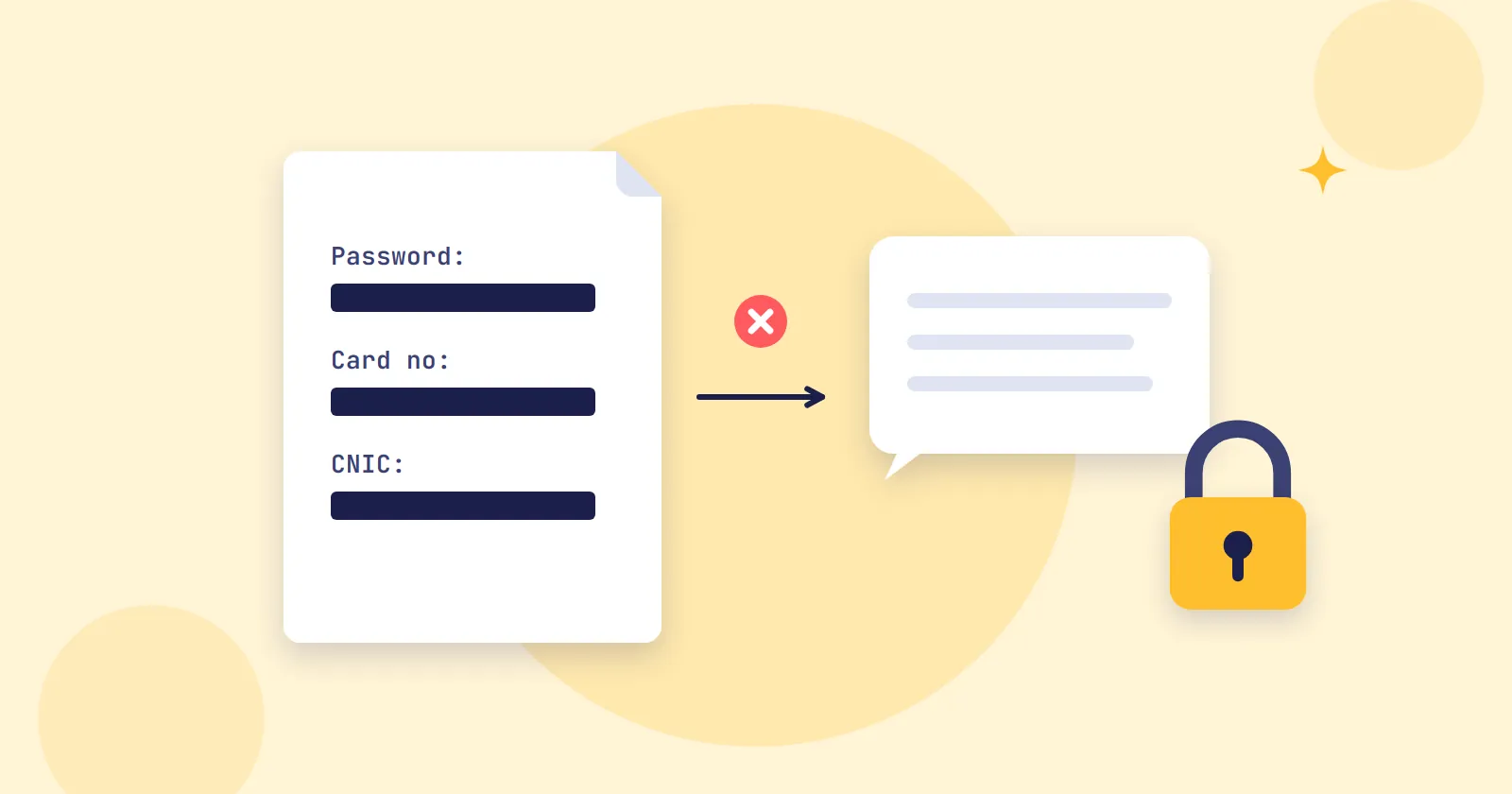
- Privacy: do not paste card numbers, passwords or other sensitive data into a chatbot. Use an order number instead of a full address. Read what not to paste into a chatbot.
- Tone: read it once as the customer. Would it calm you down?
Want a starting point? Open the customer reply prompt in our library, or sharpen any prompt with the free prompt improver.