How to write AI image prompts that work
A simple structure for AI image prompts: subject, setting, style, light and composition, with examples, common fixes and the copyright basics.
By Hassan Mamoon · · 4 min read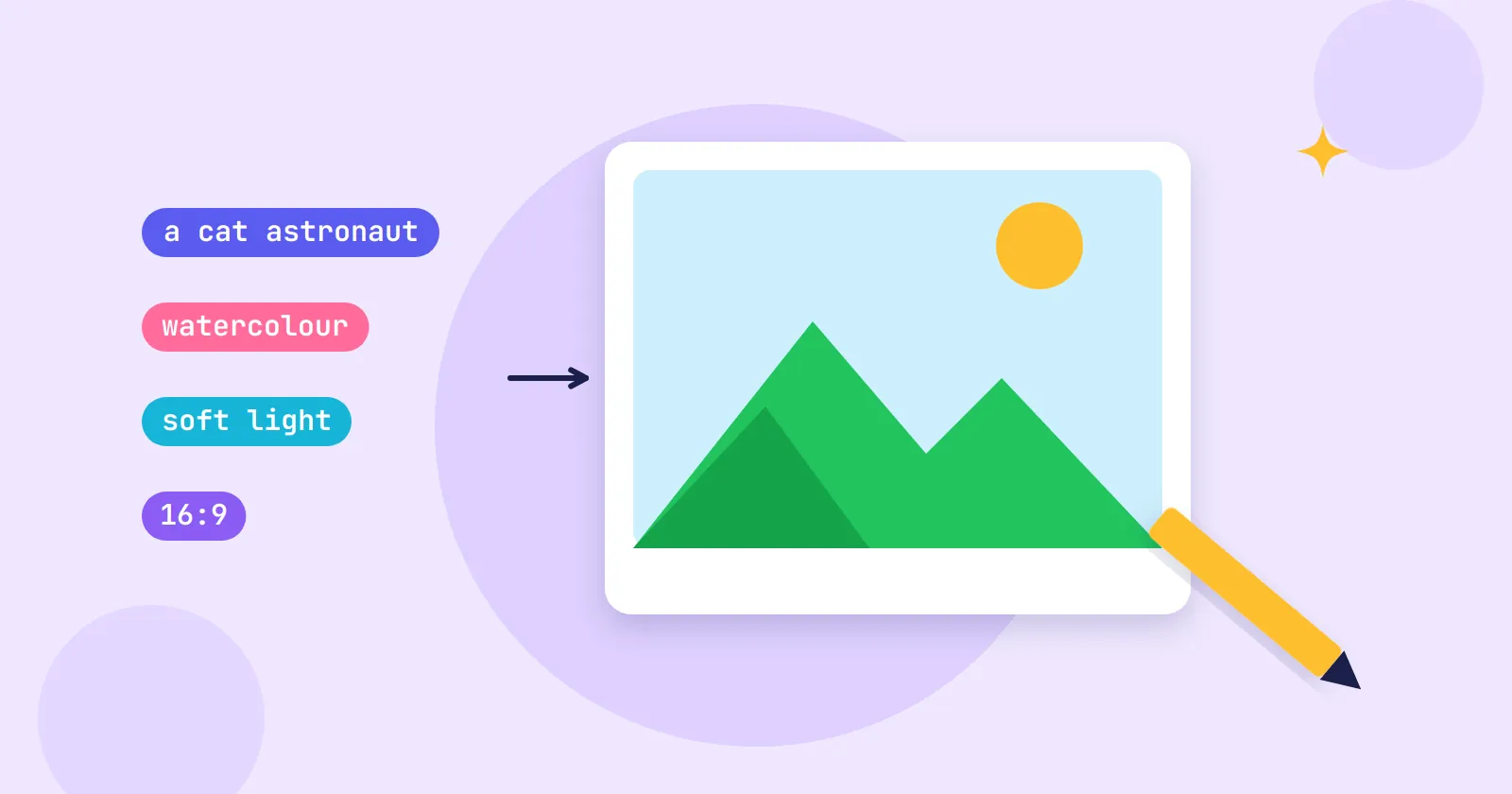
Typing "a cool picture of a dog" into an AI image tool gets you a cool picture of a dog, and almost never the one you had in mind. The fix is the same as with text prompts: say what you want, in a structure the tool can use. This guide gives you that structure, a few examples and the copyright basics you should know before you use the results.
The parts of a good image prompt
Image tools differ, but the official guides from Google and Midjourney point to the same building blocks. Google's guide for its Imagen model starts from three: the subject, the context and background, and the style. Midjourney's basics add medium, lighting, colour, mood and composition.
Put together, think in this order:
- Subject: what is the main thing in the picture, and what is it doing?
- Setting: where is it, and what is around it?
- Style or medium: a photograph, a flat illustration, a watercolour, a 3D render?
- Lighting: natural, soft, dramatic, warm, cold, neon?
- Composition: close-up or wide, from above or at eye level, subject centred or off to one side?
- Colour and mood: a palette, or a feeling such as calm or energetic.
You will not need all six every time. Start with subject, setting and style, then add light and composition when the first result is close but not right.
A template you can copy
A [style or medium] of [subject doing something], in [setting]. [Lighting]. [Camera angle or composition]. [Colour palette or mood].
For photographs, Google's guidance adds camera details such as the type of shot, angle and lens. Not every tool needs them, but they give you more control when you want a realistic look.
Before and after
| Before | After |
|---|---|
a dog on a beach | A candid photograph of a golden retriever running through shallow waves on an empty beach at sunrise. Warm, low light, shot from a low angle with the dog slightly off-centre. Soft orange and blue palette. |
logo for a coffee shop | A simple flat illustration logo of a coffee cup with steam shaped like a leaf, on a plain cream background. Two colours, dark green and cream, clean thick lines, centred. |
The second prompt in each row removes the guesses the tool would otherwise make about style, light and layout.
Prompts for common jobs
A product photo
A clean studio photograph of a stainless steel water bottle on a light grey background. Soft, even lighting, a gentle shadow underneath, shot straight on. No other objects.
A video thumbnail background
A bold, high-contrast illustration of a glowing lightbulb above a stack of books, deep blue background, bright yellow highlights, plenty of empty space on the left for text.
A simple illustration for a presentation
A friendly flat-style illustration of three people around a table looking at a laptop, soft pastel colours, plain white background, no text.
Fixes for common problems
- The result is generic. Add specific details: a time of day, a material, a colour, a mood.
- Too many things in the picture. Describe one main subject and keep the rest simple.
- Wrong style. Name the medium first, such as "watercolour painting" or "3D render".
- Wrong crop. Say "close-up", "wide shot" or "from above". Some tools also let you set an aspect ratio, and the way to do that depends on the tool.
- Unwanted objects. Say what you want instead, and check whether your tool has a way to exclude things.
- Garbled text. Text inside images is often unreliable, so check every letter, or add text yourself afterwards.
- It is close but not right. Change one thing at a time and run it again. Iterating is how people get good results.
Copyright and the other basics
Rules differ by country, and this is not legal advice. In the United States, the Copyright Office's position is that copyright needs human authorship. In its 2025 report on copyrightability, it concluded that, with current widely available tools, typing prompts alone does not make you the author of the output. Human-made additions, such as your own selection, arrangement or edits, can be protected, and using AI as a tool to assist your own creativity does not by itself rule out protection. Each case is judged on how much creative control a person had.
In practice:
- Read your tool's terms on commercial use before you put an image in a product, advert or logo.
- Be careful with real people and brands. Do not imitate a living person's likeness or use trademarks without permission.
- Say when an image is AI-generated where it matters, for example in news, education or advertising.
- Do not assume you can stop others reusing it. Pure AI output may not be protected by copyright.
Keep practising
Image prompts follow the same logic as text prompts: be clear, give context and iterate. The Prompt Library has an image category you can copy from, and what is prompt engineering explains the thinking behind it. For tools that can make images, slides and video, see 10 free AI tools that save you hours every week.