What is prompt engineering? A beginner's guide
Prompt engineering is writing instructions so an AI gives useful answers. Learn the core techniques, see before-and-after examples and how to practise.
By Hassan Mamoon · · 5 min read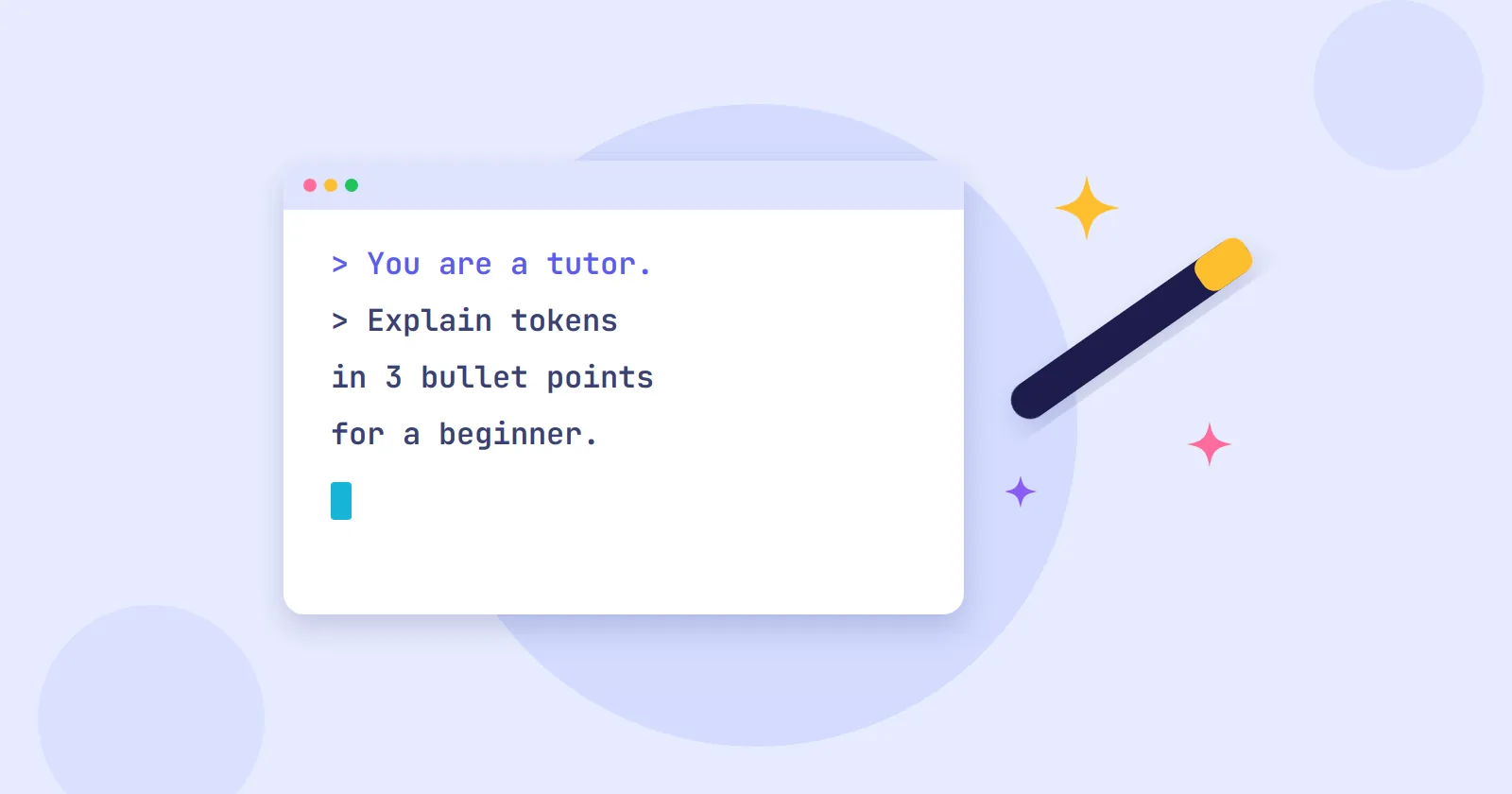
"Prompt engineering" sounds like a job title for experts. In practice it is a skill anyone can pick up in an afternoon: writing instructions for an AI so it gives you something useful on the first or second try, not the tenth. This guide explains what it is, the techniques that do most of the work, and how to practise.
What is prompt engineering?
A prompt is the instruction or question you give an AI chatbot. Prompt engineering is the habit of writing those instructions on purpose, then testing and improving them. Google, Anthropic and OpenAI all publish guides on it, which tells you how much the wording matters.
It matters because a chatbot responds to the words you give it, not to what you had in mind. A vague prompt gets you an average answer. A specific prompt gets you one you can use.
Why wording changes the answer
A language model (see what is a large language model) works from the text in front of it. It does not know your audience, your goal or what "good" means to you unless the prompt says so. Every detail you leave out is a guess the model makes on your behalf. Most of prompt engineering is removing those guesses.
Six techniques that do most of the work
- Be clear and direct. Say exactly what you want and what the answer should look like. Anthropic lists this as a core principle, and a good test is to imagine handing the prompt to a smart new colleague who has no background on your project.
- Give the AI a role. "You are a patient maths tutor" changes the voice and the level of explanation. Google's guidance calls this giving the model a persona.
- Add context. Who is the answer for, what is it used for, and what must it include or avoid?
- Show an example. Vendors describe examples as one of the most reliable ways to steer format, tone and structure. This is called few-shot prompting.
- Ask for steps on multi-step problems. Asking the model to think through a problem before answering can help. The advice varies by model, though. OpenAI says its dedicated reasoning models do not need to be told to think step by step, while other vendors suggest it as a way to get more careful answers. Test it on the tool you use.
- Specify the format. A table, five bullet points, an email under 100 words, a numbered plan. Numbers work better than vague words, so "under 100 words" beats "short".
Before and after
| Before | After |
|---|---|
Explain inflation | You are an economics teacher. Explain inflation to a 15-year-old in under 150 words. Use one everyday example about prices. End with one question to check they understood. |
Help me with my CV | You are a careers coach. Rewrite the three bullet points below for a junior marketing role. Start each with a strong verb, keep each under 20 words and include a number where I gave one. Bullets: [paste] |
The second version in each row takes about twenty seconds longer to write and removes most of the back-and-forth.
Zero-shot, one-shot and few-shot
These names describe how many examples you include.
- Zero-shot: no examples. You just give the instruction.
- One-shot: one example.
- Few-shot: a few examples, so the model can copy the pattern.
Here is a few-shot prompt for writing short product taglines:
Write 3 taglines for a reusable water bottle. Match the style of these examples.

Example 1: Hydration, without the waste.
Example 2: Fill up. Go far.

Keep each tagline under 6 words. No exclamation marks.
Pick examples that are different from each other, so the model copies the style and not one specific wording.
Prompts are tested, not guessed
Good prompt writers work in a loop:
- Write a first version.
- Read the answer and decide what is wrong. Too long? Too formal? Missing a fact?
- Change one thing in the prompt and run it again.
- Keep the version that works, and save it for next time.
Our free Prompt Improver adds the role, audience, format and tone to a rough prompt, which is a quick way to see the structure in action.
Common myths
- "There are magic words." There are not. Clear instructions beat clever tricks.
- "Longer is always better." Relevant detail helps. Padding does not. Longer prompts also use more tokens, which matters when you pay per use (see what a token is and how to estimate AI API costs).
- "One perfect prompt exists." You are in a conversation. Reply with "shorter" or "give me three versions" instead of starting again.
- "A prompt that works in one chatbot works the same in all of them." The basics carry over, but models differ, so test the prompts you rely on.
Is it a career?
Some companies hire for roles with this name, and the title means different things in different places. For most people it is better to treat it as a skill that makes you faster at the job you already do: writing, research, analysis, support, coding. The people who benefit most are the ones who can judge whether the answer is good, which still depends on knowing your field.
How to practise
- Pick three tasks you do every week, such as an email, a summary and a plan.
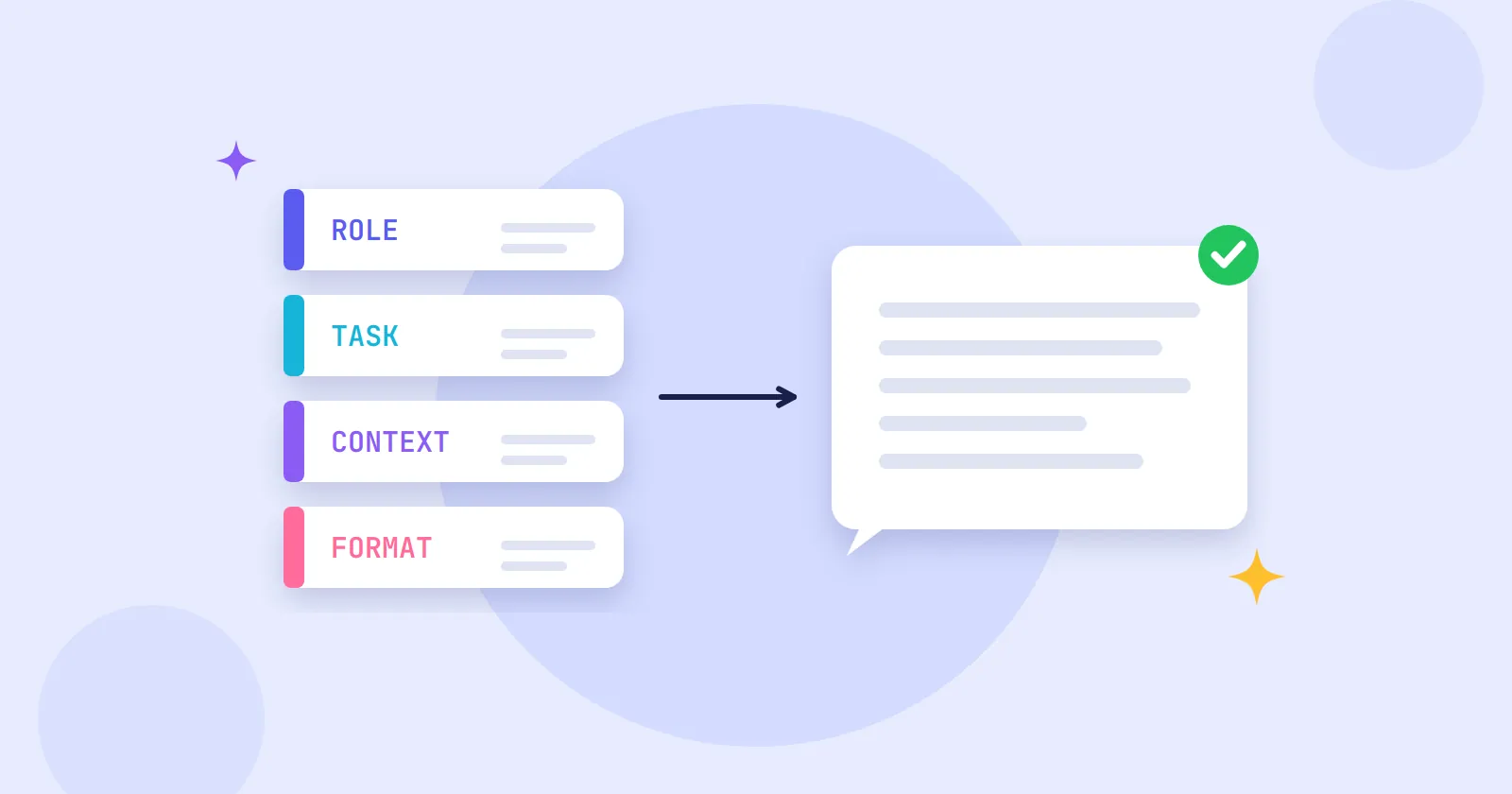
- Write each prompt roughly, then again using the 4-part prompt formula: role, task, context, format.
- Compare the two answers and note what changed.
- Keep the best prompts in a note, and browse the Prompt Library for more.
If you want a guided path, the free AI for Absolute Beginners course covers prompting step by step, with a quiz and certificate at the end. Prompts for pictures follow the same logic, and how to write AI image prompts shows how. Whatever you ask, check facts that matter, because chatbots can state wrong things confidently. See AI hallucinations for how to catch them.