30-day social media content calendar with ChatGPT (prompts)
Plan a month of social media posts with ChatGPT in about 20 minutes: copy-ready prompts for themes, a 30-day calendar, captions and a weekly batch routine.
By Hassan Mamoon · · 5 min readPosting every day is hard when you also run a business. A content calendar fixes most of it: you decide once what to post, then you just follow the plan. ChatGPT, Claude or Gemini can draft that calendar in minutes, as long as you give them the right details.
Here is a simple four-step method with prompts you can copy. Replace anything in [square brackets] with your own details.
Step 1: give the AI your business details
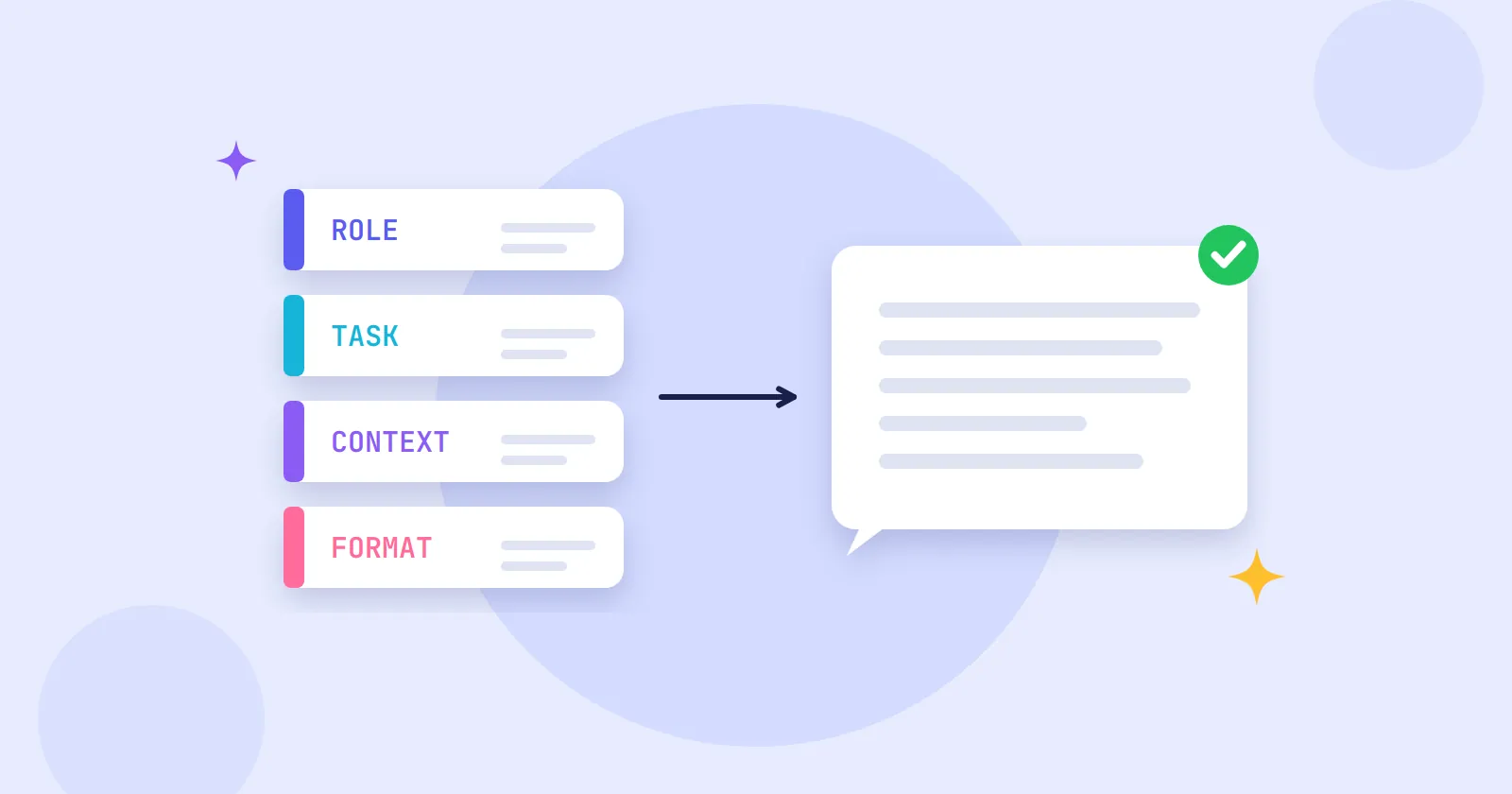
The calendar is only as good as what you tell the AI. Start every chat with a short brief:
I run [type of business] in [city/country]. My customers are [who they are]. I post on [Instagram / Facebook / TikTok / LinkedIn]. My goal this month is [more enquiries / more store visits / launch a product]. My tone is [friendly, expert, playful]. Things I sell or offer: [list]. Dates that matter this month: [sales, holidays, events].
Ask me up to 3 questions if anything important is missing. Then wait.
Letting the AI ask questions first gives you a calendar that fits your business instead of a generic list.
Step 2: pick 4-5 content themes
Themes stop you from posting the same kind of thing every day:
Suggest 5 content themes for my posts this month, for example tips, behind the scenes, customer stories, offers and questions. For each theme, give one sentence on why it helps my goal. Keep promotional posts to no more than 1 in 4.
Step 3: generate the 30-day calendar
Now ask for the plan as a table, so you can paste it into a spreadsheet:
Create a 30-day content calendar as a table with these columns: Day, Date, Platform, Theme, Post idea (one line), Format (photo, carousel, short video, story, text), Call to action.
Start on [start date]. Rotate the themes. Put offers on [days]. Leave 2 days a week as easy posts I can make in under 10 minutes.
Paste the table into Google Sheets or Excel. Add a column for "Done" so you can tick posts off.
Step 4: write the captions in batches
Do not write 30 captions in one go. Ask for one week at a time and check them:
Write captions for days 1-7 of the calendar. Each caption: a first line that stops the scroll, 2-4 short lines, one call to action, and 3-5 relevant hashtags. Do not invent prices, discounts or facts that are not in my brief. Mark anything I need to check with [CHECK].
That last instruction matters. AI models sometimes invent details, so a quick check before posting protects your reputation. Our guide on avoiding AI hallucinations explains why.
Make it a weekly routine
- Monday, 20 minutes: ask for next week's captions and check them.
- Same day: take or collect the photos and short videos you need.
- Schedule the posts with the free scheduler built into your platform, such as Meta Business Suite for Facebook and Instagram.
- End of the month: paste your three best and three worst posts back into the chat and ask what to do more of next month.
Tips for better results
- Give real examples: paste two of your best past posts and say "write in this style".
- Keep it local: mention your city, local events and your customers' real questions.
- Be honest in ads and offers: do not let AI write claims you cannot back up.
- Do not paste private customer data into a chatbot. See what not to paste into a chatbot.
For a ready-made version of these prompts, open the social media calendar prompt in our prompt library, or improve your own prompt with the free prompt improver.