ChatGPT vs Google Search: when to use which
A chatbot and a search engine do different jobs. Learn what each is best at, how AI search blends them and a simple way to use both safely.
By Hassan Mamoon · · 4 min read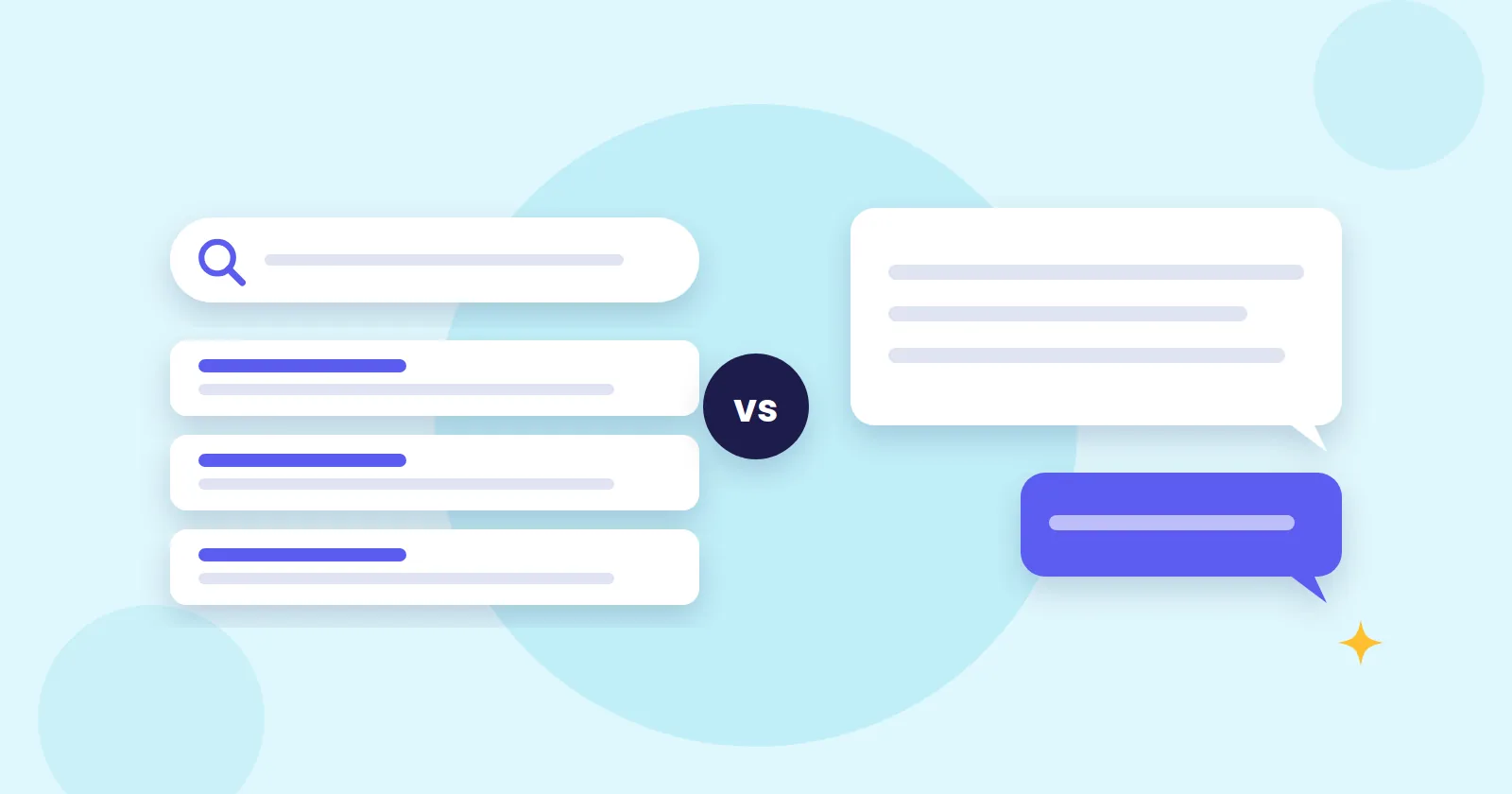
"Should I just ask ChatGPT, or Google it?" is a fair question, and the answer is not "always one". A search engine and a chatbot are built for different jobs. They are also starting to look alike, which makes it easier to use the wrong one for the task. This guide shows what each is best at and how to combine them.
How they differ
A search engine finds pages. You type a query, it returns a ranked list of web pages, and you read the sources and decide what to trust.
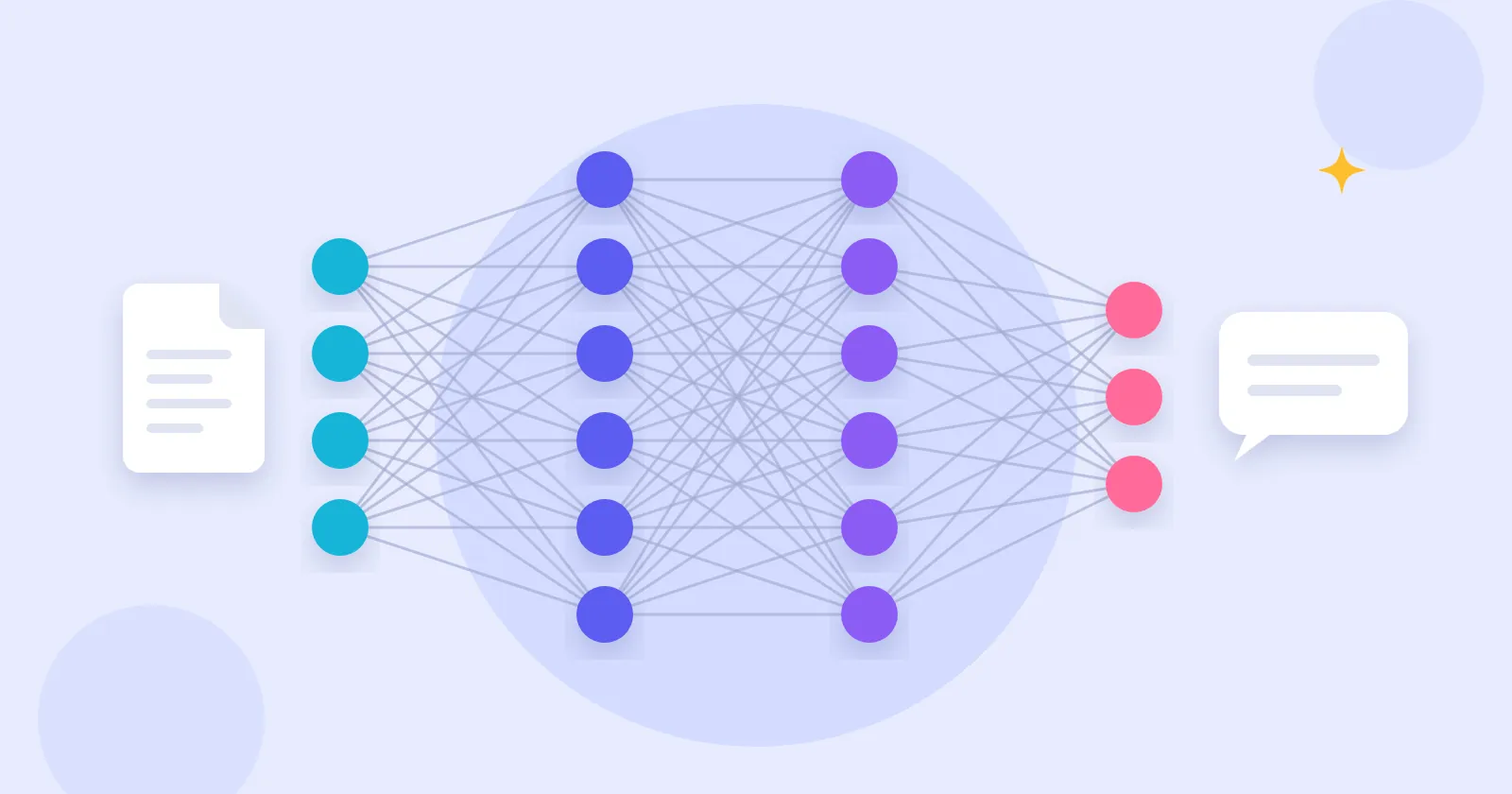
A chatbot writes an answer. You ask in plain language, it generates a reply in a conversation, and you can ask follow-up questions. The reply is produced from patterns the model learned in training, and it does not have to point to anything. (If you want the mechanics, see what is a large language model.)
The main practical difference is the source. With search, the source is in front of you. With a plain chatbot answer, it usually is not.
The lines are blurring
Both now mix the two approaches.
- Google's AI Overviews show an AI-written summary at the top of some results, with links to read further. Google's help pages say the responses may include mistakes.
- ChatGPT's search feature can search the web and answer with links to sources. OpenAI says it may do this automatically when a question needs current information, and that results and citations can be incomplete, outdated or incorrect, so you should open the source to check.
So the advice is similar for both: the summary is a starting point, and the links are where you confirm it.
Which to use for what
| Task | Better starting point | Why |
|---|---|---|
| Understand a concept | Chatbot | It can explain at your level and answer follow-ups |
| Find an official page, form or opening hours | Search | You want the original source, not a summary |
| Draft, rewrite or summarise text | Chatbot | Writing is what it does best |
| Recent news or prices | Search, or a chatbot with search on | Chatbots without search can be out of date |
| Compare products with evidence | Search first | You need reviews and specifications from real sources |
| Brainstorm ideas or plan | Chatbot | It is quick to explore options in conversation |
| Check a fact, quote or statistic | Search | Go to the original source |
| Health, legal or money decisions | Official sources, then a professional | AI can help you prepare questions, not decide |
| Debug or explain code | Chatbot, then test | Run the code to see whether it works |
A workflow that uses both
- Start with a chatbot to get oriented. Ask for an explanation, a list of key terms or a plan.
- Turn it into search terms. Ask the chatbot what to look up, and which kinds of source are reliable for the topic.
- Confirm with search. Open the official or primary pages and check names, numbers and dates.
- Return to the chatbot to work with what you found. Paste in the text you have verified and ask it to summarise, compare or draft.
This plays to each tool's strength: the chatbot for understanding and writing, and search for finding and checking.
A prompt that helps with step two:
I am trying to understand [topic]. Give me a short overview in plain English, then list 5 specific things I should verify, and the kind of source (government, company, academic) that would be most reliable for each.
Where each one goes wrong
- Chatbots can state false things confidently and invent sources. See AI hallucinations.
- Search can show you outdated, low-quality or promotional pages, and the first result is not always the best one.
- AI summaries in either can misread a page and present the mistake with a link that looks like proof.
Privacy is different too
A search query goes to the search company. A chat goes to the chatbot provider, may be stored, and, depending on your settings, may be used to improve the product. Either way, avoid typing passwords, ID numbers or confidential documents. See what not to paste into a chatbot.
Common questions
Will chatbots replace search engines? Nobody can say for certain. What is clear is that the two are borrowing from each other, so the sensible habit is to pick the tool that fits the task.
Which one is more accurate? Neither is always right, and they fail differently. Search can show you a poor page. A chatbot can give you a smooth wrong answer. Checking against a good source protects you from both.
Is a chatbot with web search turned on safer? It gives you links to check, which helps. OpenAI itself notes that the results and citations can still be wrong or out of date, so open them.
Do I have to pay for either? Search is free to use. Chatbots have free plans with limits, and what is included changes over time, so check the current plan.
The short version
- Use a chatbot to understand, draft and plan.
- Use search to find original sources and check facts.
- Treat AI summaries in either as a starting point, and open the links.
If you are choosing between chatbots, see our comparison of ChatGPT, Claude and Gemini, and learn how to ask better questions with the 4-part prompt formula.